
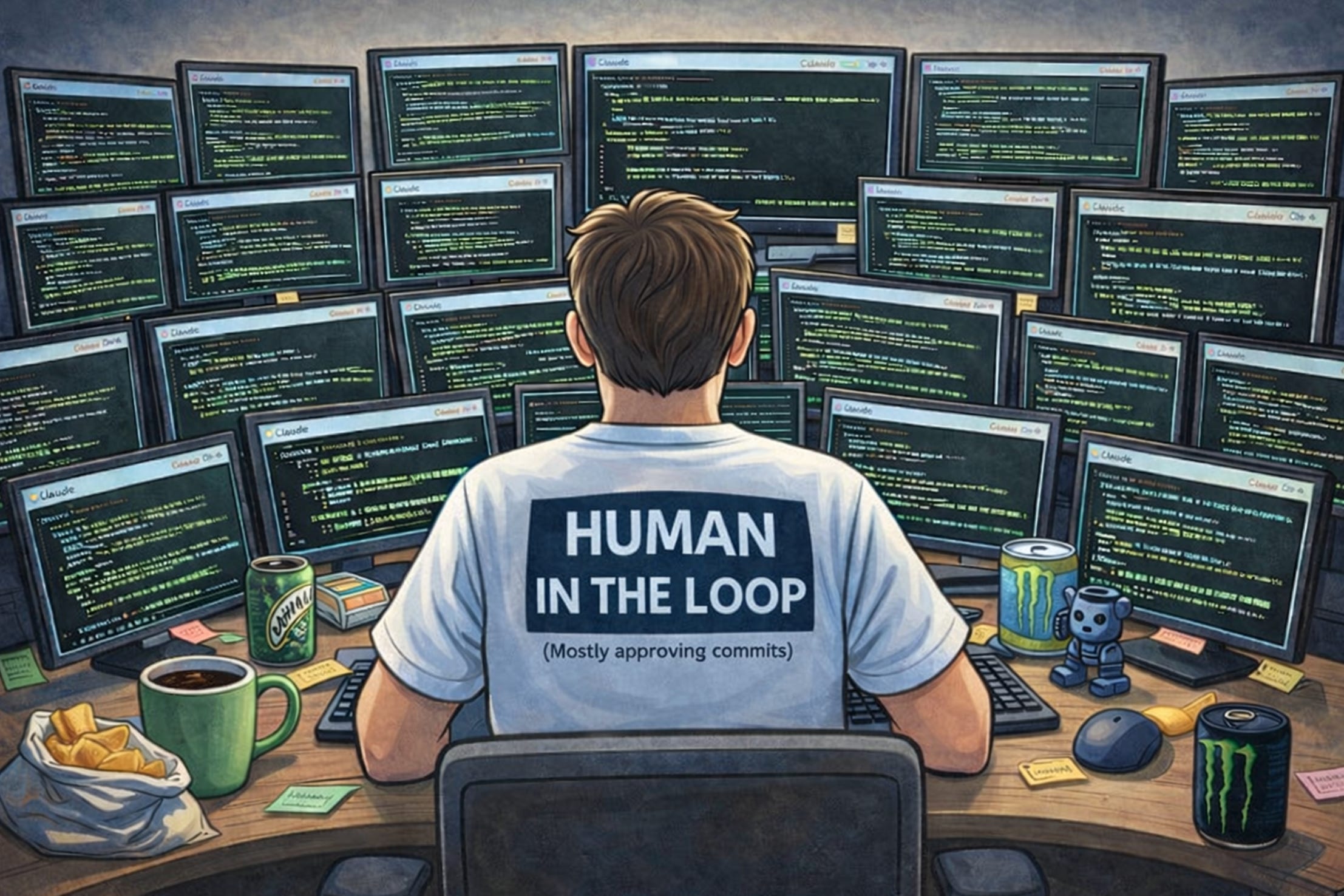
The 2026 DevStack for Ludicrous PR-Production: How Founders Are Building 10x Faster
After 25 years of digging ditches with a shovel, AI coding agents like Claude Code and Codex changed everything. Compressing weeks of work into hours and redefining what developers actually do...
Robbie conducting a Tweener Dev Team meeting
Software development is going through one of the biggest shifts in decades. AI coding agents are changing how quickly founders can build, and what it even means to “write code.” In this final post of our founder optimization series, we’re diving into the modern AI-powered developer stack.
This is Part 4 of a 4-part series:
Part 1: 2026 Productivity Hacks for Founders
Part 2: 2026 Founder Health Optimization
Part 3: 2026 GTM Tech Stack Playbook
Part 4: <You are here>: The 2026 DevStack for Ludicrous PR-Production
We couldn’t share posts like this without our amazing sponsors:
Loving our content? It wouldn’t be possible without our amazing sponsors and our paid subscribers, so THANK YOU!
Featured Platinum Sponsor
Featured Gold Sponsor
Featured Silver Sponsor
Background
I started programming in the mid-90s. At my first startup, StatSheet, I wrote 300,000 lines of code while running the company. At Automated Insights, I was still deep in the codebase even as we scaled to 100 people. Coding was always my favorite part of building companies.
By the time I co-founded Infinia ML and then Bionic Health, I’d stopped coding entirely. Four companies in, and the CEO stuff had crowded it out.
Earlier this year, I picked it back up. Except now I have AI coding agents doing most of the heavy lifting. And it’s been a revelation.
Since then, the two questions I get most from technical founders are:
Question 1: “How are you building so much stuff so fast?”
Question 2: “Should I be worried that AI is going to replace developers?”
Two sides of the same coin. The answers are more nuanced than the hype suggests.
What Changed
A couple of years ago, I was skeptical as to just how much coding AI would be able to do. The AI coding tools were interesting but unreliable. You’d spend as much time fixing their output as you saved generating it.
That’s not where we are anymore. The tools have gotten dramatically better in just the last 6 months. If you tried Claude Code or Cursor in early 2025 and gave up... try again. The experience is fundamentally different now.
The other shift was in how I use them. I stopped treating AI like autocomplete and started treating it like a collaborator. That distinction matters more than which tool you pick.
Some Context
I studied computer science as an undergrad and took the AI electives back when that meant expert systems and Prolog. I’ve been writing code professionally for nearly 30 years.
Today’s AI coding tools have made me orders of magnitude more productive than I was at my peak. And my peak was pretty productive. I used to say AI coding (or agentic engineering) made me 10x the programmer I was before, but I think that’s underselling it.
The Results (Show Me the Numbers!)
Here’s what happened when I leaned into AI-assisted development:
Built a full investment management portal in a weekend (used to be a 3-month project)
Routinely compressing week-long projects into a single day
Built more production code in 2025 than I had in the previous 15 years combined
Better error handling and cleaner architecture than I would have written myself
The meta-insight: the bottleneck shifted from “Can I implement this?” to “Do I know what I want?”
My Developer Tool Stack
Here’s what I use, ordered from simplest to most serious.
Replit and Google AI Studio (Prototyping and Simple Apps)
When I want to go from nothing to a deployed web app super fast, Replit is my go-to. I built the ACG website with it. I built my wife’s custom recipe app with it. Describe what you want, iterate conversationally, and deploy when you’re happy. The lowest-tech option of the ones I’ll describe in this article.
Fun example: My wife’s site has over 200 recipes, and I wanted custom imagery for each one. Not stock photos (copyright headaches). So I wrote a program that generates a custom image for each recipe via OpenAI’s DALL-E. Every image on that site is AI-generated. It took me an hour to build the generator and create all the images. Cost around $30 for 200 custom images.
Google AI Studio fills a similar role for quick prototyping. I’ll build a prompt in ChatGPT or Claude, then hand it to AI Studio or Replit and see what they can do in one shot. Lovable, Bolt, and v0 are similar platforms worth trying. I use it to quickly produce alternative versions to get ideas.
Cursor and Antigravity (Supercharging VS Code)
I’m a vi guy, so I prefer the command line and text editors. Old habits. But Cursor and Google Antigravity turned VS Code into something genuinely different. They layer AI directly into the editor -- inline completions, chat-driven refactors, and codebase-aware suggestions. For projects where I want a traditional IDE experience, perhaps I need to create/view a lot of Markdown in addition to code; I’ll use Antigravity.
Claude Code and OpenAI Codex (The Heavy Lifting)
This is where the real magic happens.
Claude Code is my primary tool for serious work. I run it in the terminal, point it at my actual codebase, and have a conversation about what I need. It understands my existing architecture and generates implementations that fit.
Here’s what my typical setup looks like:
My iTerm setup: 4 tabs with 4 panes each. Two tabs for ACG client projects, one for Tweener and NPC, and one for personal stuff (health, finance, etc.). Each pane is a Claude Code session working on a different project.
I did a week of SQL work in one day recently. About 100 tables, complicated schema, the kind of extraction work that used to be my bread and butter but is tedious. I told Claude Code what I needed. It generated every query. I spot-checked, tweaked, and moved on. Done in 8 hours. In the past, that kind of project would have taken a couple of weeks.
For one project I wanted to add parallelization to increase the speed of processing. Thread safety, deadlocks, race conditions -- treacherous territory that used to take days of paranoid coding. Now? Ten minutes. Worked on the first run.
I’m doing non-coding work with Claude Code too. I wanted to figure out which YouTube channels I’ve watched the most over the past 2-3 years. Google doesn’t make those stats available, but they let you download your watch history via Google Takeout. Big file, not human-parseable. Claude Code built a script and gave me the results in 10 minutes. (Inside Carolina and Doug Demuro, if you’re wondering.)
Now I’m using Claude Code to generate polished PDFs and PowerPoints for my consulting work. Generating nice-looking presentations was challenging even up to last summer, but now it’s no problem. Now I’m running Automated Consulting Group almost entirely out of Claude Code.
One more unlock worth mentioning: YOLO mode. Claude Code asks for permission before every action by default -- editing a file, running a command, or installing a package. For the first three months, I approved each one. Babysitting it.
Then I turned on YOLO mode, which auto-approves most actions. I still require it to ask me about Git commits and pushes (I like to review before anything goes to a repo) and a few other things. But everything else? Let it work.
The risk-benefit has been well worth it. I can think of maybe two times I had to revert something because it went down a bad path. Twice in months of daily use. For the handful of situations where I want to test something big or I’m not sure if I’ll want to keep the result, I create a separate branch (or copy the folder if it’s not in git) and let it work there before merging back in. Simple insurance.
OpenAI’s Codex is now the second opinion I reach for regularly. Especially useful for frontend work and rapid iteration. Between Claude Code and Codex, I get two approaches to the same problem and pick the better one. Or start in one and hand off to the other.
Both tools have expanded beyond pure coding. Claude now has Cowork (a GUI-based companion), and Codex has a GUI mode. I use Cowork for anything that requires browser interaction -- LinkedIn tasks, for example. I use both as second and third opinions for non-coding work too: feedback on website design, ideation, and brainstorming. Not only that, but I used to bounce between ChatGPT, Claude, and Gemini in browser tabs, but I’ve largely moved on from the web LLM world. Claude Code, Cowork, and Codex can write code, process local files, and actually do things, not just talk about them.
Railway and Streamlit (Deployment)
When I need to deploy interactive, database-backed web apps, I use Railway or Streamlit depending on the use case. I’ve built a number of production apps deployed to Railway. I especially have liked Railway as they have Claude skills that allow Claude Code to perform many of the setup and monitoring actions you used to use a DevOps person for.
The Real Test: Building NPC
Listing tools is easy. What can you actually build with them?
The best way I can describe the shift: I spent 25 years getting pretty good at digging ditches with a shovel. Then someone gave me a backhoe.
Projects that took a week now take an afternoon. Things I never would have attempted, I knock out before lunch. I’m not writing code anymore. I’m describing what I want, and AI agents go build it. (Of course it isn’t quite that simple, but close.)
The biggest thing I’ve built so far is NPC (the Tweener nonplayer character), our new Tweener management portal. Over a 3-day weekend marathon, I built a full-featured investment management portal for the NC Tweener Fund. From scratch. Over 20k lines of code. In the past, that would have taken 3 months for an MVP.
It’s difficult to explain just how radical the shift is. You read about it everywhere. But I’ve experienced it firsthand. To instantly get upgraded at a craft you spent a whole career working on.
NPC handles everything we need to run the fund: tracking portfolio companies, managing prospective investments, processing the portfolio update emails we get from founders, monitoring when we last heard from a company, and tying it all into our Tweener List deal pipeline.
It’s a CRM. I built a CRM.
Scot called out the vibe-coded CRM crowd in Part 3. Guilty as charged.
“But Dharmesh Said Don’t Build Your Own CRM”
Dharmesh Shah (co-founder of HubSpot and former MIT classmate of mine) recently put out a talk arguing you should never build your own CRM (watch it here). Good talk. Strong arguments. And I still built one.
Here’s why I think we’re in the clear.
Our CRM is narrow and low-maintenance. We’re not building Salesforce. We’re tracking a few hundred companies across a specific pipeline with specific workflows. HubSpot doesn’t process founder portfolio update emails and auto-extract KPIs. It doesn’t know what our Tweener List pipeline looks like. And if something breaks, Scot texts me. No support tickets, no external users.
Deal flow tracking IS our core business. Dharmesh’s core argument is “spend your calories on customer value, not internal tooling.” For a venture fund, deal flow tracking and portfolio monitoring aren't side tools. It’s the thing that makes us better at what we do.
And here’s the part his framework doesn’t account for yet: a 3-month project became a weekend. When the cost of building drops by 10X, the build-vs-buy math changes completely.
The great thing about having built NPC from scratch is the flexibility to add features on a whim. Since we use Slack at the NC Tweener Fund, I decided it’d be great if we had a Slack bot. Over about a three-hour period, I created a fully featured Slack bot that could query the NPC database and replicate many of the same capabilities you get on the web but via Slack. That just wouldn’t have been possible had we used off-the-shelf software.
The Controversial Take (Brace Yourself)
At Bionic Health, we built AI as soon as the first HIPAA-safe GPT-4 was available. Six months later, the stack had shifted under our feet. The lesson was clear:
Building is easy, and maintaining is hard.
That lesson applies everywhere now. It’s cheaper than ever to build solutions, but more expensive than ever to maintain and support them.
When you can spin up a working prototype in an afternoon, you end up with more code to maintain. When AI helps you build faster, you accumulate technical debt faster too. The cost of creating drops. The cost of ownership doesn’t.
NPC is a case in point. Building it was fast. Keeping it running, adding features Scot or Rebecca ask for, and handling edge cases in the email parsing -- that’s the ongoing work.
And here’s the really controversial take:
in the future, we may not update codebases at all.
Instead, we might one-shot the entire application with every release. Regenerate the whole thing from a spec we extract out of the codebase.
Sounds crazy until you think about what it requires: a detailed specification and a test suite that validates the app does what it should. If you have those two things, and AI can reliably generate correct code from specs, why maintain a codebase? Just regenerate it.
We’re not there yet. But closer than most people realize.
Putting It Together: My Task Buckets
Like Scot laid out his work categories, here are mine:
The Reality Check
I want to be upfront about what these tools can’t do yet.
You still need to understand what you would like to build and how the pieces fit together. When problems arise (and they do), there’s real technical work to sort them out. Deploying to a production environment is still a challenge that takes time.
It’s like saying, “Go build me a house.” Well, there’s an infinite number of ways to build a house. How many bedrooms? What style? What’s the budget? Which direction should it face? You have to know what you want before anyone, human or AI, can build it well.
Understanding how to design a great application isn’t something you just hand off. The judgment about what to build, what to skip, and how to structure things so they hold up over time -- that still comes from experience.
In the future, a lot of the technical friction will fade into the background. Deployments will get easier. Debugging will get more automated. Non-programmers will be able to do more of this. But the design sense, the product thinking, knowing what “good” looks like? That’s going to matter more, not less.
✨✨The Meta-Lesson✨✨
Which brings me to the biggest insight. It’s not any single tool. It’s this:
The bottleneck has shifted from implementation to specification.
I used to think about coding as implementation. Design it in your head, and labor to translate it into software. The bottleneck was typing speed, debugging skill, and API knowledge.
Now I think about coding as specification and validation. The bottleneck is knowing what you want and being able to verify you got it. Implementation is increasingly commoditized.
Big implications for how we train developers, structure teams, and decide what skills matter. Probably a topic for another post.
Where to Start
If you’re a technical founder, pick one project this week and try Claude Code or Codex on it. Something real, not a toy. You’ll know within an hour whether it clicks.
If you’re semi-technical, start with Replit. Build that internal tool you’ve been putting off. Dashboard, CRM, data pipeline -- whatever you’ve been paying someone else to do or just living without.
If you don’t code at all, these tools still matter. They change what you should expect from your engineering team, how you scope projects, and what’s reasonable to build in-house vs. buy. The cost of custom software just dropped by an order of magnitude. Your build-vs-buy math needs updating.
The Bottom Line
In the last 4 months, I wrote more code than I have in probably 15 years. Full production systems, web apps, data pipelines, automation tools, and an entire fund management portal. All in a fraction of the time it would have taken at my peak.
The tools aren’t toys anymore. They require a mindset shift: from “I implement solutions” to “I specify and validate solutions.”
If you’re a founder who wants to talk about dev tools, reach out. This is genuinely one of my favorite topics.
Feedback Welcome!
What’s YOUR go-to AI coding tool right now? Drop it in the comments →
Final Thoughts
Thanks for following along with this series. Scot kicked things off with productivity hacks, I shared my approach to founder health optimization, Scot returned with the 2026 GTM stack, and now we’re wrapping things up with the modern developer stack.
The common thread across all four pieces is simple: the tools available to founders are changing faster than ever. Whether it’s AI improving how we manage our time, our health, our go-to-market motion, or how we build software, the leverage available today is dramatically higher than it was even a few years ago.
We hope this series gave you a few ideas to experiment with in your own founder journey. If you found something useful, please let us know what resonated or what tools you’re using that we should try next.


Great stuff Robbie. I love the breakdown of what tools you're using for what types of builds.
Great breakdown. I'm coming from the product and customer success angle vs. a designer or engineer background. Stack: Claude for initial brainstorming &planning. Claude Code (along with Skills) for coding. Cursor (for q&a, and visibility into the project). Vercel for hosting. Supabase for backend. Trying to learn how to incorporate design tools (like Figma) to keep it creative, unique, and polished (although CC does a good job iterating design already). Also experimenting w/Claude Cowork to see how it can fit into the flow.